
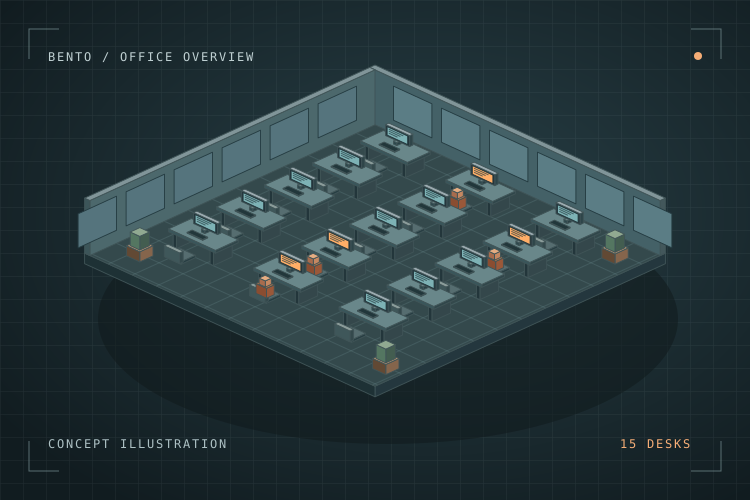
01 / 03
Pick a workstation
Walk the 3D office and choose one of 15 agents. Each agent has a name, a desk, and a role.
Find an agent before assigning a new goal.
Bento AI worker software · Prototype
Walk up to a desk, give an AI worker an assignment, and see where it stands. Bento runs its agents through LM Studio and makes the team visible in a 3D office.
BentoWorks presents
Meet Bento, then follow an example assignment in the walkthrough below.
An illustrated 3D office comes into view. BentoWorks presents a workplace for AI with 15 agents in one office. The closing card shows three steps for a sample assignment. It starts with assigning a goal, then shows how to track the work and review the result.
Inside Bento
Walk the 3D office and choose one of 15 agents. Each agent has a name, a desk, and a role.
Find an agent before assigning a new goal.
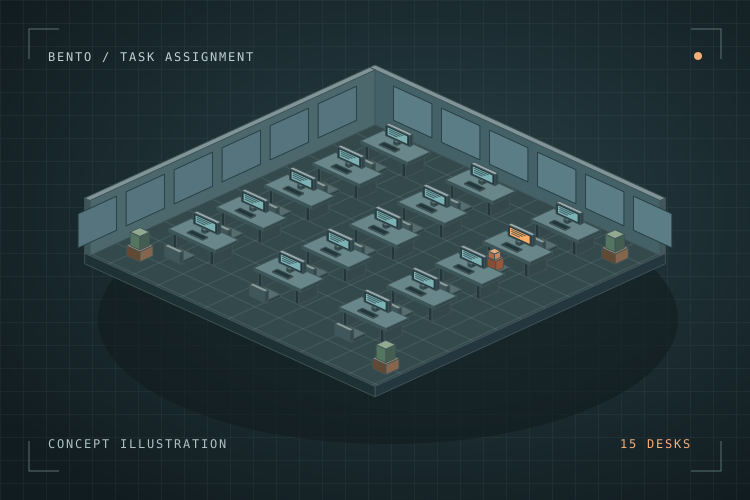
Open chat and explain what you want done. For example, ask an agent to summarize supplied notes into a draft weekly update.
Example assignment · Draft a weekly operations update
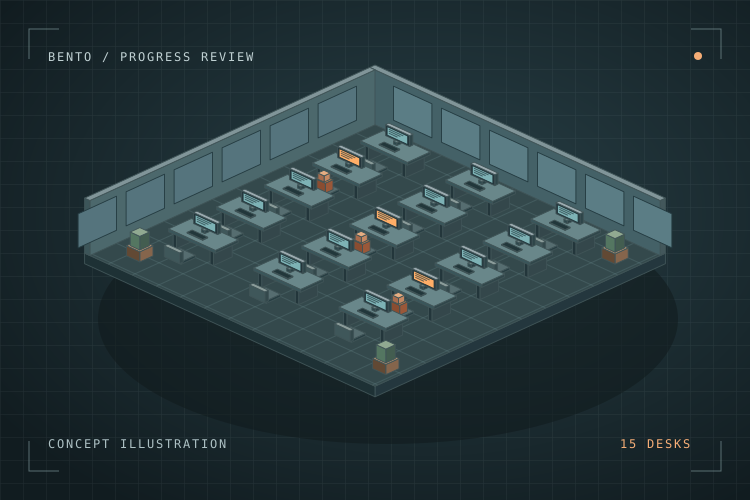
Open the agent’s status to see whether the goal is in progress or complete. Review the response before sharing or acting on it.
Example review · Check the draft against your notes
Where it fits
These are examples of assignments a business could try in a pilot.
Turn supplied operations notes into a first draft of the weekly update.
Summarize a set of documents and flag questions a person should check.
Draft a checklist or how-to guide from your team’s existing instructions.
Work with BentoWorks
Bring a workflow, a product idea, or a game concept. We’ll talk through what a first build could look like.